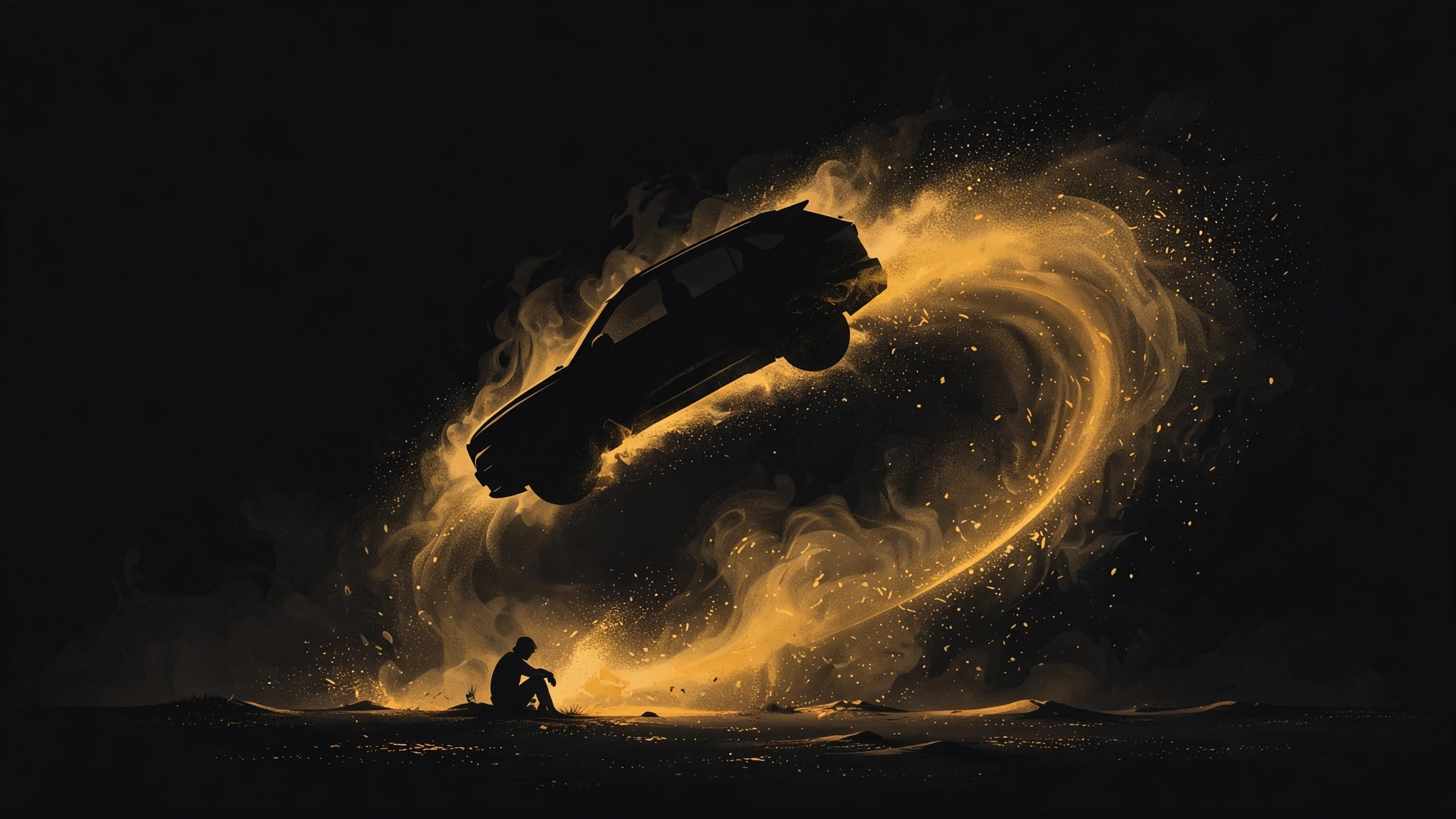
The trick, in one paragraph
Every viral car-jump clip is built the same way. Someone found or made a video of a car jumping over a seated person, and the AI was told: keep this scene, this camera move, this timing — put this other person in it instead. That's why the motion looks so physical and the dust behaves so well. The physics were already in the reference. The prompt is doing maybe a fifth of the work, and most of the "secret prompts" being sold for comments turn out to be one sentence long.
Route 1: Kling — the reference feature
On kling.ai, find a car-jump example in the feed, open it, and look for "Use as references." That drops you into the creation screen with the original clip attached. Upload a clear photo of yourself as the subject reference, keep the original prompt — the one that works is close to "create the same scene and camera movement using the uploaded subject reference" — and generate. Pick reference clips with a locked-off camera. If the camera barely moves, the model has less to hallucinate and the swap holds together. A full-body photo in clear lighting beats a face close-up, because the model needs to see what it's replacing.
Route 2: Hailuo — the trending template (easiest)
Open the Hailuo app, go to Trending Now, and find the "Flying car in the desert" template. Upload one photo of yourself and generate. That's the entire workflow — the template is the reference video, pre-packaged. The template catalog is arguably Hailuo's real product: hundreds of viral-effect templates where the motion design is done and you're just the new lead actor.


Route 3: Google Flow — most control
In the Flow app, start a new project and upload the reference video first, then add two source images: your own full-body photo and the vehicle you want. Set 9:16, 720p, 10 seconds, and prompt the swap directly: replace the person with the person in the second image and the car with the vehicle in the third, keeping the same camera movement and timing. Flow gives you the most say over the result because you supply the car too, but it fails more interestingly. Mismatched lighting between your photo and the reference is the most common reason a swap falls apart. Shoot your photo in daylight against a plain background.
What the tutorials leave out
First, the prompt economy is mostly theater. Reels that say "comment PROMPT for the exact prompt" are farming engagement, because the prompt is the least interesting part of this workflow. Second, credits. Failed generations eat credits on every platform mentioned here, and subject swaps fail more often than the reels suggest. Faces drift, the car clips through the body, the chair wobbles. Budget three to five tries for one keeper. Third, these interfaces move fast. If a button has relocated since this was written, the principle hasn't: keep the reference, swap the subject, and spend your effort on the photo you upload. Fourth, the obvious one — don't put a real license plate or anyone else's face in it. The templates make it trivially easy to insert a real person into a real-looking scene, and that ease is the whole reason to pause.
Sources
- [1] Hailuo AI official site (Trending templates)Read source
- [2] Kling AIRead source
- [3] @di_wa_offl on Instagram — Kling reference workflow (Oct 5–6, 2026)Read source
- [4] EditMarkz on Facebook — Hailuo template workflow (Oct 5–6, 2026)Read source
- [5] @2parhaam on Instagram — Google Flow workflow (Oct 5–6, 2026)Read source
- [6] Workflow reconstructed from tutorial reels by @di_wa_offl, EditMarkz, and @2parhaam; rewritten in our own editorial voice. In-app UIs change; steps verified against recordings from this week.