Why the order matters
A text prompt asks a video model to decide everything at once: who is in the scene, what the light looks like, how many shots there are, and in what order they happen. This workflow removes two of those decisions before the video model is involved. The character and the style arrive as images, not adjectives, and the sequence arrives as nine finished frames. What is left for the video model is motion and transitions — though it may still reinterpret compositions and sequencing, which is why the checks below matter.
It also changes where mistakes surface. A storyboard grid can be read at a glance. If a panel has the wrong boat or the survivor's coat changes color, you can see it before any video generation is spent, and the repair happens at the image stage. In a finished clip, the same defect is buried mid-clip and harder to isolate.
The workflow, step by step
*1. Prepare two references, one per job.* In the demonstration, the creator loads two images labelled "Character" and "Style". Keep the jobs separate in your own material: the character reference should be a clean, well-lit image of the person or object that must stay recognizable, and the style reference should carry the look (lighting, palette, lens feel) without competing subjects. A style image full of other characters gives the grid other faces to borrow.
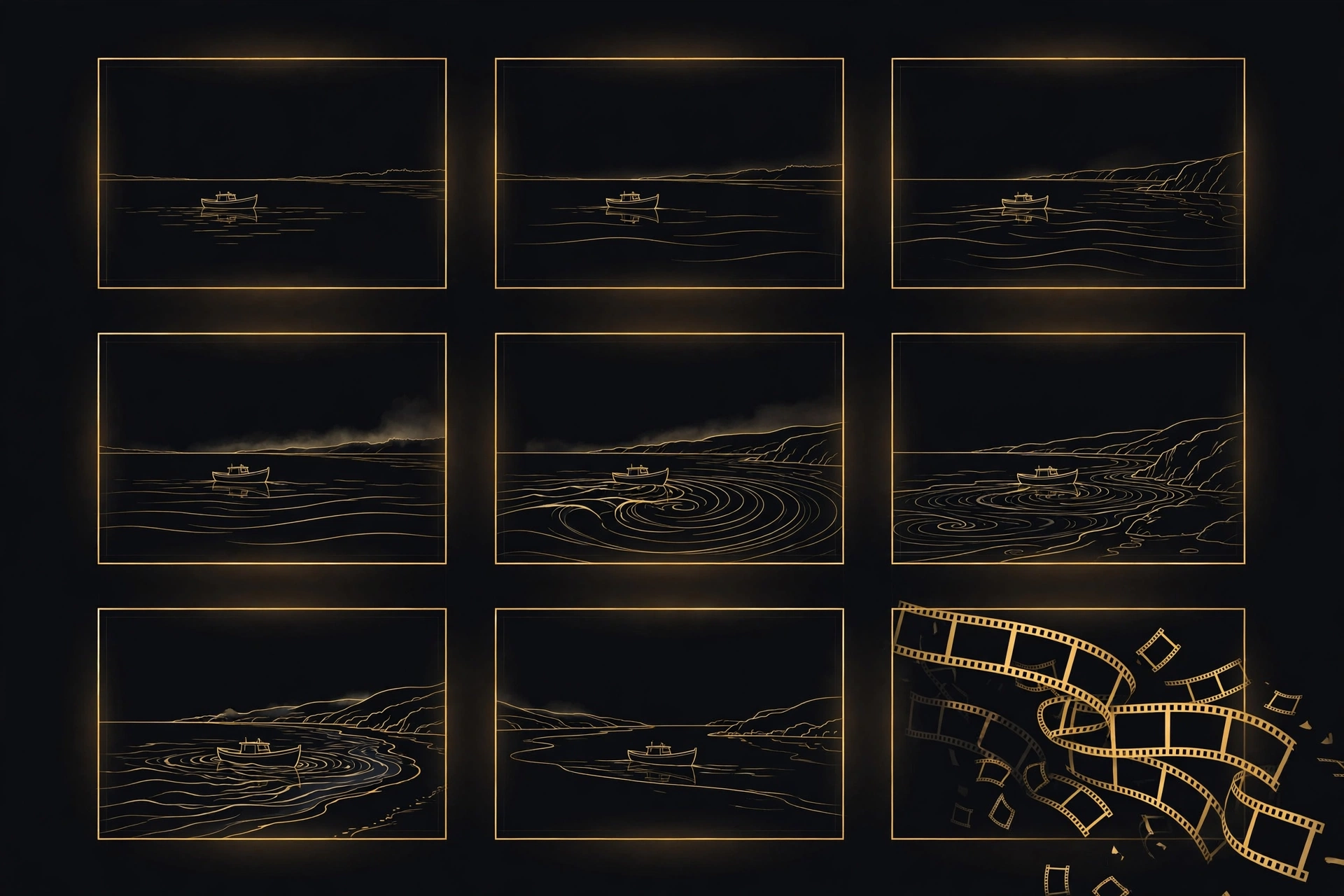
*2. Ask the image model for the whole storyboard in one grid.* The demonstrated prompt is: "Create an entire 3x3 storyboard based on this image, a lone boat on the ocean lands on shore as a survivor looks on, depleted and weak." Note what it does. "Entire 3x3 storyboard" requests nine panels in one layout, and the rest is a compressed plot, not a description of one scene: departure, arrival, reaction. Write yours the same way, as beats in story order, with the emotional state named ("depleted and weak") rather than implied. Nine panels force you to decide the sequence now, which is the point.
*3. Read the grid like an editor before you animate anything.* Check, panel by panel: is it the same character, in the same clothes, with the same boat? Does the light move in one direction across the grid, or does the time of day jump? Is any panel a repeat of its neighbor instead of a new beat? The demonstrated clip includes six identifiable beats: open water, shoreline, survivor standing, close-up, walk to the boat, seated under the moon. That is not evidence that all nine panels receive a separate shot or are followed exactly — it is the demonstrated result, and your grid deserves the same panel-by-panel read. If a panel fails, revise the storyboard before proceeding: if your interface supports localized editing, use it; otherwise regenerate the grid and inspect it again. Do not pass a grid you have doubts about to the video stage and hope motion hides them; motion is as likely to advertise them.
*4. Move to the Video tab and attach the storyboard as the plan.* The demonstrated video prompt is: "A cinematic movie following the storyboard attached, very suspenseful, no background music, just sound effects." Two instructions do the work. "Following the storyboard attached" tells the model the grid is a shot list to execute, not a picture to pan across. The sound clause is deliberate: suspense carried by effects, with music explicitly refused. If you want music, say so just as explicitly; an unspecified soundtrack is another improvisation you did not need to allow.
*5. Judge the clip against the grid, shot by shot.* The demonstrated result returns distinct shots, recomposed as full frames rather than as an animated nine-panel page, which is the behavior you want. Compare each shot with the grid for character, costume and setting, and check the cuts land where the grid changes scene. Where a shot drifts, options to try are upstream ones: strengthen the panel, or restate the beat in the video prompt, before regenerating.
Where it breaks
Three failure modes are worth checking for, because the grid format invites all of them. First, panel leakage: a storyboard is a grid, and a video model can treat the grid itself as the scene, producing borders, split frames or a slow pan across the page. The demonstration avoids it, but if your result shows panel edges, restate that the attached image is a storyboard to follow shot by shot, not a scene to reproduce. Second, continuity inside the grid: nine panels generated in one pass can still drift in costume, props or light between the first and last row, and the video stage may carry that drift into the clip. The panel-by-panel read in step 3 is the cheapest check available. Third, text and fine detail: captions, signs or letters inside panels may not survive animation. Keep panels visual, and add any critical words in the edit afterwards.
None of this makes the storyboard a contract. It is a plan the model can be held to approximately, and approximately is a large improvement over a paragraph of prose and a hope.
Workflow inspiration: Jerrod Lew (@jerrod.lew), Threads, 9 November 2026. Rewritten from the demonstrated steps; the two prompts are transcribed from the demonstration video because the workflow depends on their wording. No part of the original video is embedded or reproduced. The hero image above is an editorial illustration, not output from the demonstrated workflow.
Sources
- [1] Jerrod Lew (@jerrod.lew), Threads video post, November 9, 2026Read source