The trick in one paragraph
A match-cut hides the cut inside motion. The subject moves toward the camera in frame A, and frame B opens with the same subject in the same pose, mid-motion, somewhere new. Your eye follows the movement and never notices the splice. AI image-to-video models made this cheap because they can generate the in-between: you supply the two endpoint photos, the model animates the bridge, and you cut on the movement. Everything below is about getting those two endpoints right, which is the only part of this that is actually a skill.
Step 1: Shoot the endpoints like a storyboard, not a video
Take the travel-transition version, which is doing the rounds today: four photos. One of you pretending to leap into an open suitcase. One of the closed suitcase. One of the suitcase in a new location, say a beach at sunset. One of you leaping out. Each pair of photos becomes one transition clip, and you stitch the clips.
The rules are dull and non-negotiable. Lock the camera off: no handheld, no reframing between the two shots of a pair. Match the subject's position and scale across both frames. Match the lighting direction well enough that it doesn't read as a different time of day. Plain backgrounds beat busy ones; the model has fewer details to reconcile. Shoot at 9:16 if this is for Reels or Shorts, because generating in the delivery aspect ratio avoids a reframe that can expose the seam.

Step 2: Generate the transition, two frames at a time
On Hailuo, this is the first-frame-to-last-frame image-to-video mode. Upload the first photo as the start frame, the second as the end frame, and give a short motion prompt: what moves, how fast, in which direction. Keep the prompt descriptive rather than ambitious. "The man leaps forward into the suitcase, suitcase lid closing behind him" is enough. The prompt's job is to direct motion, not to invent new scenery. The platform's own transition templates work the same way: two photos in, one "Seamless Transition" clip out, and the template presets exist because creators keep rediscovering this exact workflow.
Run each photo pair separately and treat each clip as disposable material, not as a finished shot. Generate, watch the two or three seconds that matter, and keep only the ones where the subject's position and identity hold across the cut point. Expect to burn several generations per clip. The good takes are the ones where nothing about the subject changes except the background, and the AI didn't decide to redesign your jacket mid-leap.
Step 3: The portrait version, one still into fourteen styles
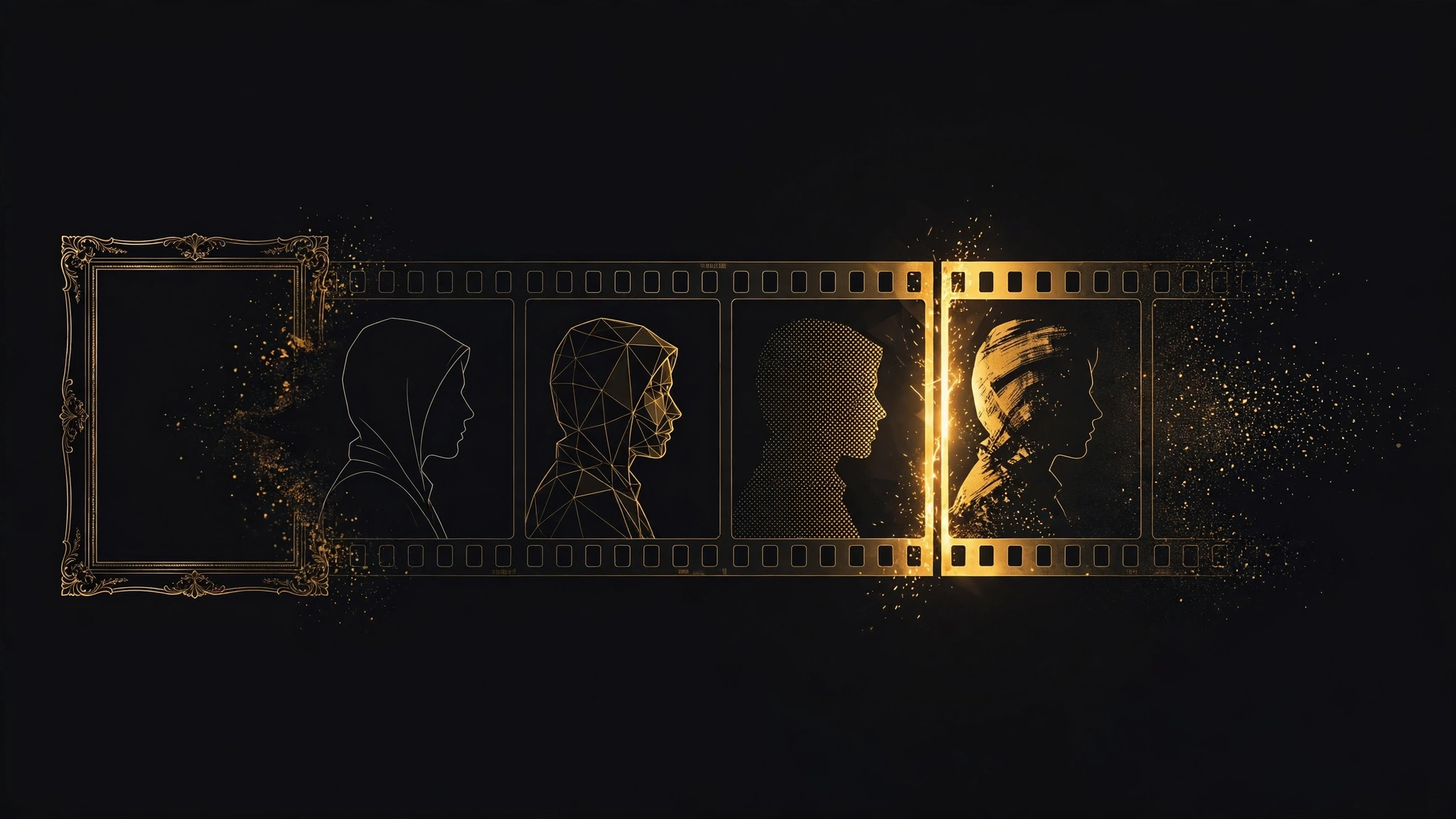
The second workflow from this week's reels is the portrait match-cut: the same face cycling through a dozen art styles, cut fast, with shutter sounds on the beat. The recipe is a locked-off shot of yourself, one still frame pulled from it, and image-to-video generations of that still restyled: sketch, ink wash, anime, game CG, photoreal, and so on. The face must hold. Write each style prompt with an identity anchor: "the same man, same face, same glasses" before the style instruction. Without the anchor, the model treats each generation as a new person and the cut reads as a slideshow of strangers.
The edit is what sells it. Line up the eyes across every clip; every creator doing this well mentions eye-line alignment by name, and it's the single highest-leverage step in the tutorial. Stack the clips on a one- or two-beat rhythm, add a shutter sound effect on each cut, and keep each style on screen for under a second. The speed is what hides the inconsistencies the eye would otherwise catch.
The parts the reels gloss over
Faces drift. This is the failure mode for both workflows: between generations, features soften and faces converge toward the model's idea of a generic face. The fix is repetition with a reference image and a fixed seed where the tool supports it, plus fewer style changes per clip rather than more.
Hands are still the enemy. If your transition has hands doing something specific, expect the model to improvise. The suitcase leap works because the motion is big and the hands are incidental; a transition that depends on a precise hand gesture will take many generations or never land.
Prompts that fight the transition are the most common self-inflicted failure. If the model is changing the background in ways you didn't ask for, the prompt is asking for too much. Strip it back to subject motion and let the frames do the scene work.
And the practical one: free tiers meter this workflow hard. Each transition clip is a separate image-to-video generation, and four-photo workflows consume credits at roughly two generations per clip before retries. Budget ten generations to land two usable transitions. Watermarked free output is fine for drafts, but check whether your platform's terms allow commercial use of watermarked generations before this becomes a client workflow.
Sources
- [1] Hailuo AI, official template gallery (hailuoai.video; transformation template cover used above, accessed Oct 5, 2026)Read source
- [2] Emma Persson (@thesocialcreativesclub), travel-transition tutorial reel (Oct 5, 2026)Read source
- [3] Alexei / Daily Content Club, match-cut portrait reel (Oct 5, 2026)Read source