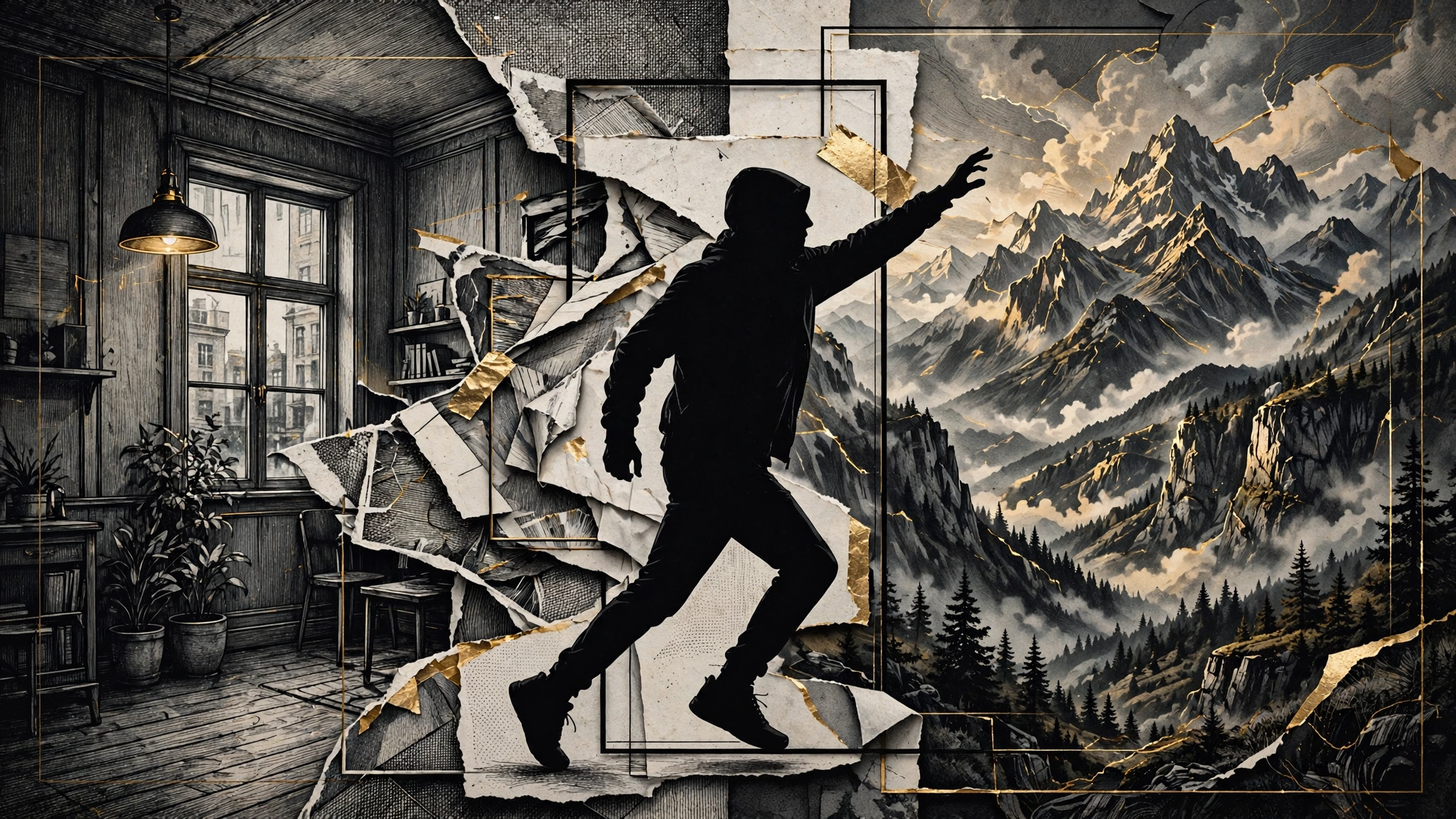
The green screen used to be the price of admission for impossible locations. This workflow gets surprisingly close without one: record the movement first, turn one frame into the world you want, then ask Hailuo H3 to reconcile both references in a new clip.
The useful idea is not the visual trick. It is the division of labour. The source video owns motion. The edited still owns composition and environment. The prompt explains what should stay consistent. H3's Omni Reference system can read those signals together instead of forcing one text prompt to invent everything.
What you need
- A phone camera and something stable to prop it on.
- An image editor that can preserve a person while replacing the surroundings. ChatGPT image editing is one option.
- A Hailuo AI account with MiniMax H3 selected and access to Omni Reference.
- One simple action that reads clearly in silhouette.
Step 1: Shoot the action, not the location
Record yourself performing the action in any evenly lit space: a living room, garage or quiet corner outdoors. The background is temporary. Your movement is not.
Choose one readable action. Squat as if you are holding something heavy overhead. Balance on one foot. Reach, lift or brace. Avoid quick turns, crossed limbs and hands passing in front of the face. Those details create occlusions the model has to guess through.
Keep the first test around five seconds and use the aspect ratio you intend to publish. For Reels, Shorts or TikTok, shoot vertically from the start. Lock the phone in place, leave space around the body, and avoid aggressive digital zoom. A clean source gives H3 less to reinterpret.
Step 2: Build the replacement world from one frame
Export the clearest frame from the clip, ideally where the pose explains the action without motion. Upload that still to your image editor and ask it to keep the person, body position and framing unchanged while replacing the environment.
Describe the new scene in physical terms. Name the surface underfoot, the scale of nearby objects, the direction of light and the atmosphere. A useful request is: “Keep the subject's pose, clothing, camera angle and body proportions unchanged. Replace only the environment with a windswept mountain ridge at sunrise. Match the light on the subject from camera left.”
The lighting instruction matters. A person lit by a ceiling lamp against a backlit sunrise will look pasted in even if every edge is clean. If the editor changes the pose, regenerate before moving on. The still is your composition anchor; a bad anchor makes the video model solve the wrong problem.
Step 3: Give each H3 reference one job
Open Hailuo AI, choose MiniMax H3 and enter Omni Reference. Add the original video as the motion reference and the edited image as the appearance and environment reference. H3 supports text, image, video and audio in one creative context, but more inputs are not automatically better. Two strong references are enough for this effect.
Write the prompt as a result, not as post-production instructions. Name the subject, the action, the environment, one camera behaviour and the sound you want. For example: “The same person braces under a huge boulder on a windswept mountain ridge. Preserve the source video's body movement and timing. Locked vertical camera, sunrise light from camera left, realistic scale, strong wind ambience and distant rock debris.”
Match the output duration to the useful portion of the source clip. Generate the short version first. If the motion, silhouette and contact points hold, then try a longer take or a more complicated environment.
Step 4: Judge the contact points
Do not judge only the first and last frames. Scrub through the hands, feet and any place where the subject touches the invented world. A floating foot, changing grip or object passing through an arm breaks the effect faster than a slightly soft background.
Keep the take only if the body proportions remain stable, the environment follows one perspective and the lighting does not jump. H3 can generate synchronized sound with the picture, but listen critically. Wind, echo and impact cues can help sell the scene; an inappropriate voice or mistimed effect can undo it. Replace the audio in an editor if necessary.
Where the workflow breaks
Motion is approximated, not transferred frame for frame. Fast choreography can smear, and poses where the body hides itself leave too much for the model to invent. Five seconds is a better first target than fifteen.
The source background still matters indirectly. Strong moving shadows, mirrors, patterned walls and another person crossing the frame create visual evidence that conflicts with the replacement world. “No green screen” does not mean “no capture discipline.” Plain surroundings and steady light still improve the odds.
Identity can drift, especially at profile angles or when the face becomes small. Use the clearest source frame, keep the head visible and avoid asking the model to change clothing, environment and action all at once. Every extra transformation competes for the same generation.
And use your own footage. The technique makes it easy to depict a real person somewhere they never were. That is a creative tool for a consenting subject, not permission to fabricate someone else's actions.
The reusable lesson
The environment swap is a good demo because each reference has an obvious job. Video supplies motion. Image supplies the world. Text resolves intent. Audio adds atmosphere. That same structure works for product shots, costume changes and stylized locations.
Single-prompt text-to-video asks the model to design and animate everything at once. Reference composition narrows the problem. The better you become at assigning one clear responsibility to each input, the fewer credits you spend asking the model to guess what you meant.
Sources
- [1] Hailuo AI — MiniMax H3 model and Omni Reference overviewRead source
- [2] LTDesign97 — mixed-reality workflow tutorial using H3 MiniMaxRead source
- [3] Contrechamp — MiniMax H3 operating notes and prompting structureRead source