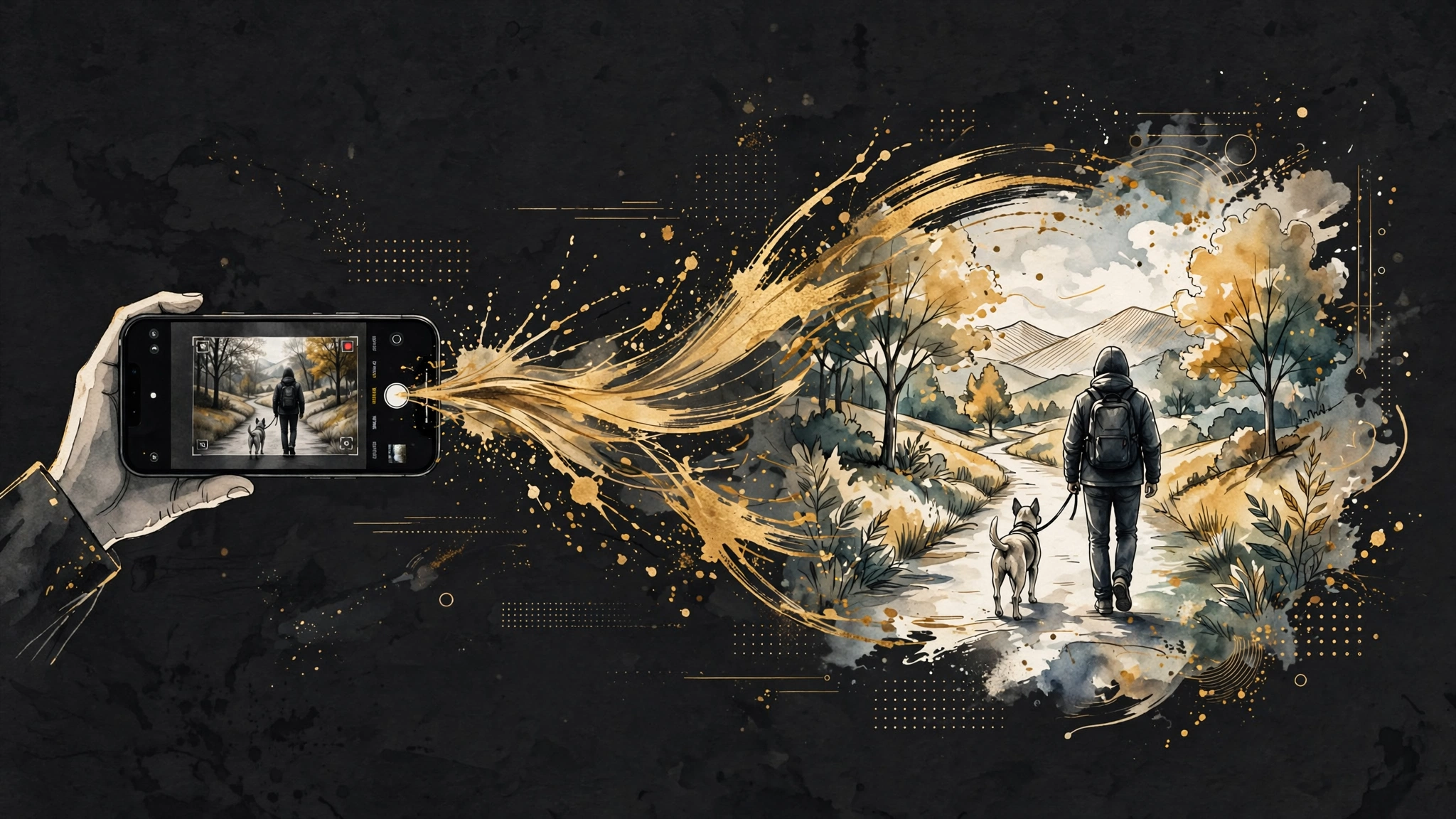
The idea, stated plainly
Most AI video tutorials start from nothing: a text prompt, a blank frame, and a prayer. This one starts from something you already have. You shoot the clip first — a person walking, a product on a table, your dog doing whatever your dog does — and the model keeps the performance while changing the medium. The person stays a person, doing the same thing. The world around them becomes an illustration.
This works because MiniMax H3 takes video as reference input. You are not asking it to invent motion. You are asking it to keep motion and re-skin the frames. That is a narrower job, and narrower jobs fail less.
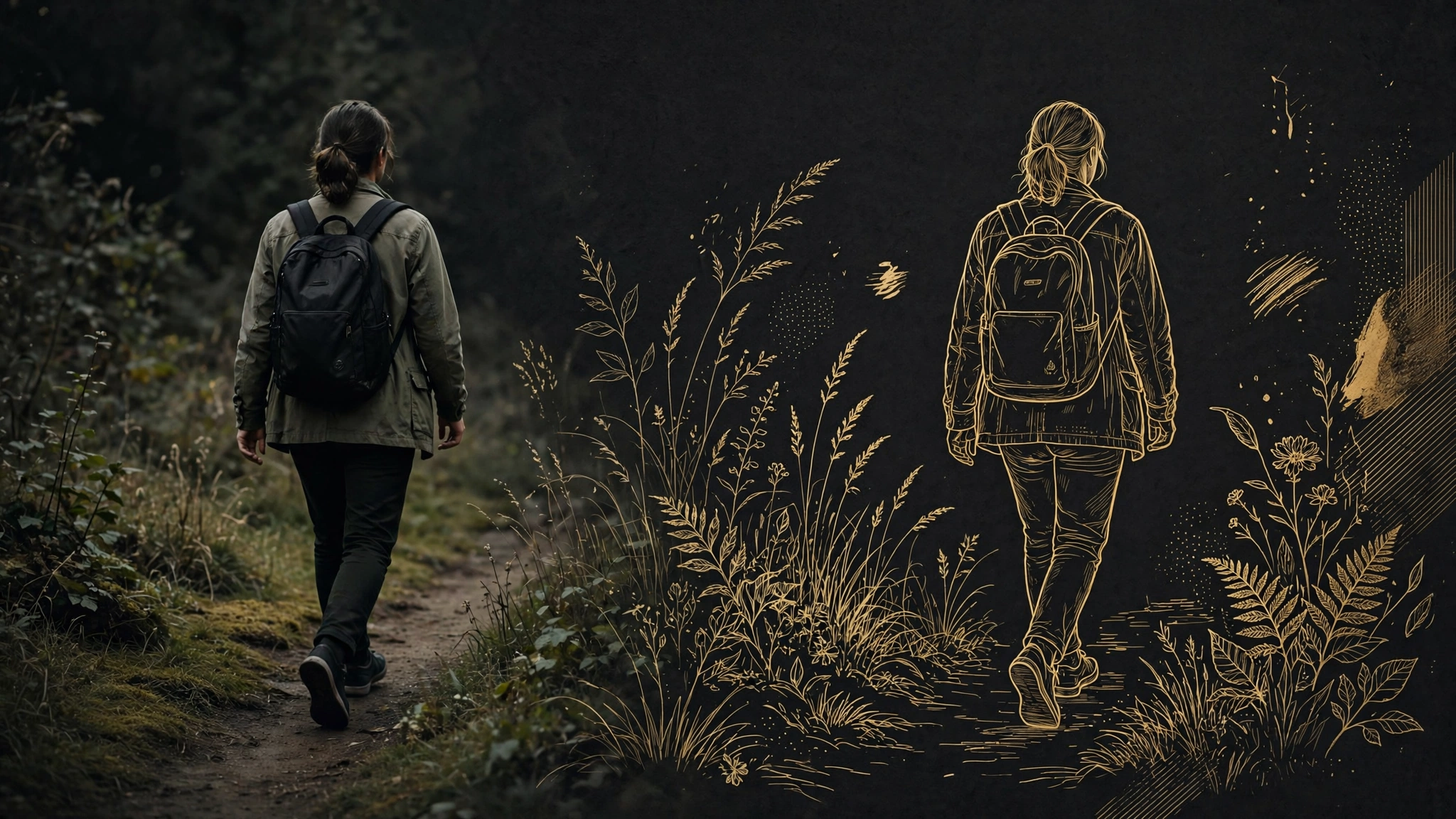
Step 1: Shoot like you plan to repaint
The transfer is only as good as the footage. Shoot with three constraints.
Lock the camera down, or move it deliberately. H3 holds subject motion well, but camera motion plus a style change is two variables fighting. If you want a push-in, add it later in step 4 rather than baking it in.
Give the subject clean edges. Shoot against a background that is visually distinct from the subject: light subject on dark background, or the reverse. The model has to decide where you end and the world begins on every frame. Make that decision easy.
Keep clips short. Five to ten seconds per generation. Longer than fifteen seconds and you are outside H3's supported range anyway. Stitch later.
Step 2: Upload the reference, pick the model
In Envato's VideoGen, hit Generate, pick your model from the list, select MiniMax H3, and upload your clip as the reference. The same mechanics exist in Hailuo directly — upload reference video, describe the change — so this is not an Envato-exclusive trick. What Envato adds is the surrounding stock: if you need a music bed or a title template from the Elements library, they are in the same subscription.
Step 3: Write the prompt as a preservation contract
This is the step most tutorials rush. The prompt has two jobs, and the second matters more.
First, name what changes. Be specific about the medium: "hand-drawn ink illustration, watercolor wash backgrounds, visible paper texture" beats "make it artistic."
Second, name what stays. This is the contract: "keep the subject's identity, clothing, pose, and motion exactly as in the reference; keep the camera framing; only the background and rendering style change."
Vague style requests produce style drift. Frame one is watercolor, frame forty is anime. Locking the subject in words is what keeps frame forty honest. If the creator's examples have a signature look, it is because the subject description was pinned while the style description was vivid.
Step 4: Fix camera and light with Shortcuts, not new generations
Envato's Shortcuts panel lets you tweak camera motion and relighting on an existing result. Use it. Re-generating the whole clip to get a slightly different push-in is how people burn credits; adjusting the move on the keeper is how people stay under budget. Relight is the one to try first. Illustrated scenes fall apart fastest when the light direction contradicts the drawn shadows.

Where this breaks
Three places, all predictable.
Hands and faces in fast motion. H3 is good, not magic. Slow the action down in the source clip before upload rather than asking the model to invent missing frames.
Text in frame. Shop signs, t-shirt logos, phone screens. The repaint will garble them. Frame text out of your shots or accept the smudge.
Busy backgrounds. The model repaints everything you tell it to repaint, and a crowded street becomes a crowded illustration with invented details. Simpler backgrounds transfer cleaner.
The credits, read carefully
The reel notes MiniMax H3 is currently half the usual credits on Envato. Treat that as a creator's observation, dated October 9, not a price guarantee. Envato's pricing on this panel has moved around before, including unlimited-generation windows in the past. Before you plan a batch of twenty clips, open the pricing page and do the arithmetic yourself: clip length times resolution tier times current rate. Five minutes of experimentation is free only if you check first.
What this is actually good for
The use case big outlets skip: small creators making illustrated shorts on zero animation budget. A cooking channel that wants a storybook episode. A teacher turning a lab demo into a hand-drawn explainer. A product seller who needs the demo to look like a brand world instead of a kitchen counter. None of these need a render farm. They need a phone, a locked tripod, and a prompt written like a contract.
Inspiration: Zami (@thezamizafar), Instagram reel demonstrating the Envato + MiniMax H3 workflow, Oct 9 2026. Envato VideoGen mechanics cross-checked against third-party reviews (graphicdesignjunction, freevisuals). MiniMax H3 specs via MarkTechPost and leadde.ai.
Sources
- [1] Zami (@thezamizafar) — Envato + MiniMax H3 workflow reelRead source
- [2] Graphic Design Junction — Envato VideoGen review (Shortcuts, model selection)Read source
- [3] FreeVisuals — Envato VideoGen model lineup and pricing windowsRead source
- [4] MarkTechPost — MiniMax H3 specsRead source
- [5] Leadde.ai — MiniMax H3 fine printRead source