What an installed app actually is
The pitch is simple. You describe a tool to Claude, try it as an artifact, then choose "Install as app" from the Share menu. The result sits on your desktop like any other program, with its own icon and window, and it can use Claude and your connectors when it runs.
It is not a native app in the usual sense. Anthropic states plainly that you need to be online and signed in to Claude to open one. Close the account or lose the connection and it will not open. Requests the app makes to Claude also count toward your plan's usage limits.
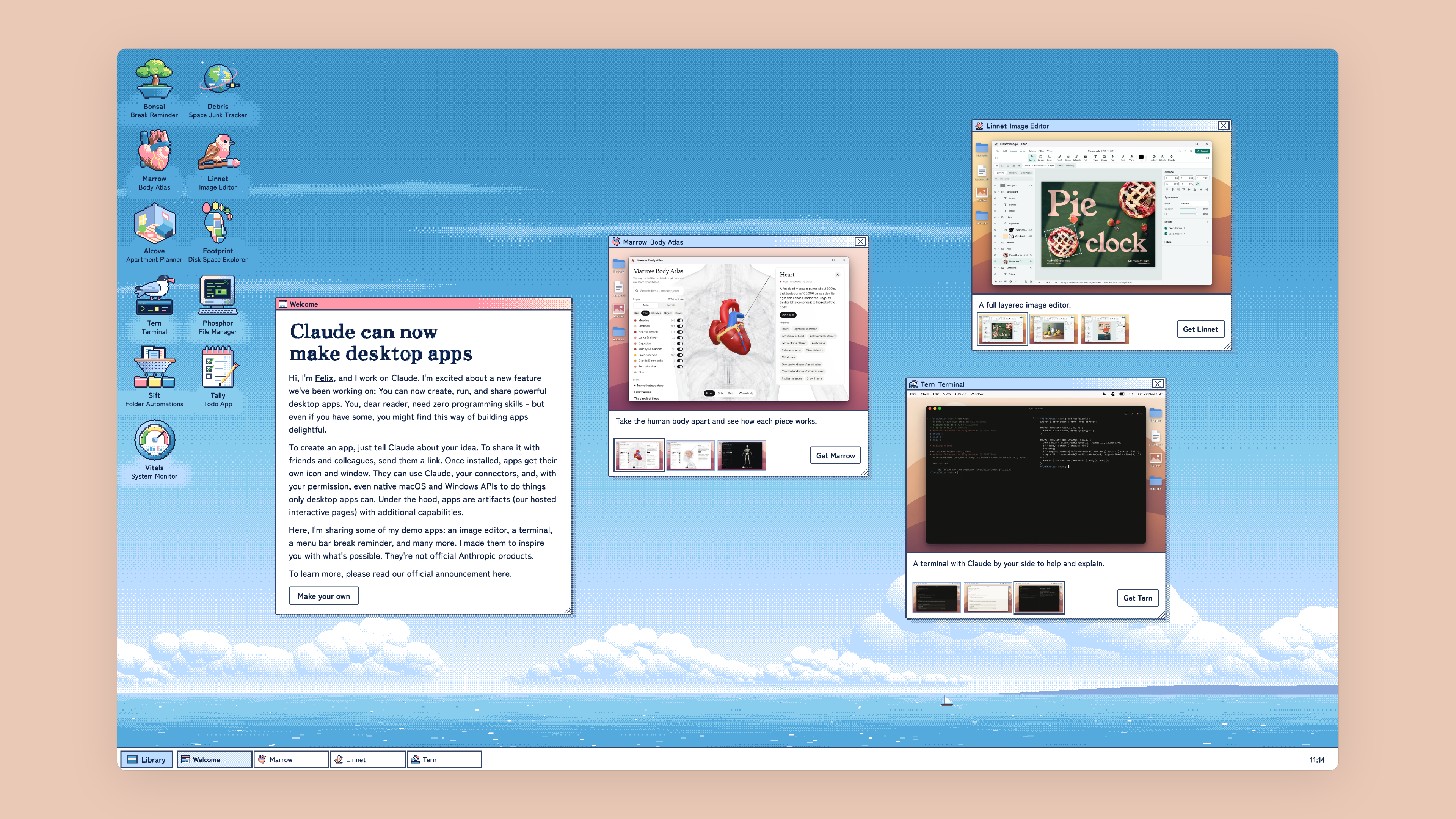
Anthropic's own examples show the intended range: Linnet, a layered image editor; Phosphor, a file manager; Sift, which sets folder rules and tidies files with Claude; Tern, a terminal; and Vitals, a menu bar performance monitor. These are real utilities, not charts. That is the point of the release, and also where the permissions stop being a formality.
Three levels, one exception
The permission ladder has three rungs. Default keeps an app inside what a browser could do. App permissions add the desktop surface: notifications, global shortcuts, always-on-top windows. Full computer access is the serious tier: the app can run programs and read, change or delete your files without asking each time.
Two safeguards deserve credit. Full access can only go to apps you made yourself, or to apps from inside your own Team or Enterprise organization. And a grant covers only the current version: Claude asks again after every update, even when the update is your own edit.
Then comes the sentence that qualifies that safeguard. Anthropic writes: "If part of an app comes from another website, that part can change without Claude asking you again." An artifact that loads remote content, a common pattern for dashboards and small tools, can therefore change between the version you approved and the version that runs tomorrow, with no new prompt. The re-ask rule covers the author editing the artifact. A change on another website is a different event, and it does not trigger the prompt.
Anthropic also states it does not review apps before you install them. Combined with the sharing feature, the practical rule is narrow: install other people's artifacts at the lower permission levels, and reserve full access for apps you trust.
Who gets it, and who is left out
The beta is rolling out on all plans, with admin posture doing the real gating. On Team it is on by default, though full access is off. On Enterprise it is off until an owner turns it on, and admins can switch app permissions and full access off for the organization. HIPAA-ready organizations and hybrid deployments cannot use the feature at all.
Not every artifact qualifies. Claude Docs, Slides and Sheets artifacts cannot be installed, so the feature is aimed at the interactive tools people build, not at documents wearing an icon.
Sources
- [1] Anthropic / Claude, "Turn artifacts into Mac and Windows apps," November 24, 2026Read source
- [2] Neowin, "Anthropic now allows users to convert their Claude artifacts as Mac and Windows apps," November 25, 2026Read source
- [3] 9to5Mac, "Anthropic just gave Claude users a new way to make Mac apps," November 24, 2026Read source