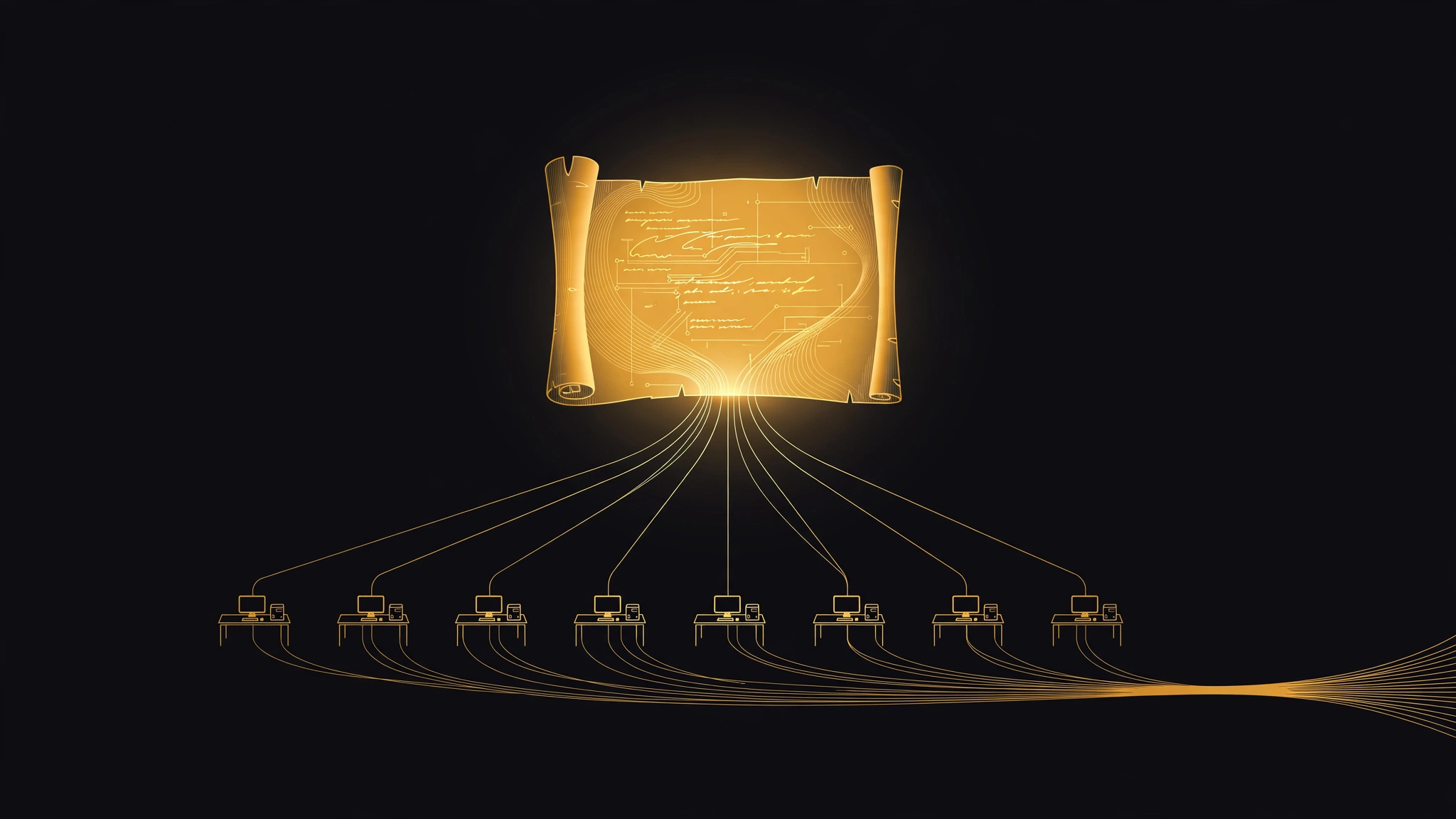
A script, not a chat
Dynamic Workflows moves the coordination plan out of the conversation. When you run /run-workflow, the agent reads Antigravity's built-in workflow skill and writes a short Python script for the task. The script groups work into named phases, starts agents with agent(prompt, schema, role, model, workspace), runs them concurrently with parallel() or in sequence with pipeline(), and collects what they return. The workflow then runs in a separate process, in the background, while your original conversation stays available. When it finishes, the main agent reads the logs and output and summarizes them.
That is a practical change, not a cosmetic one. A script can be read before it runs, saved to a .py file and reviewed alongside the rest of a project's code. You can save and rerun the orchestration code; agent outputs and execution conditions can still vary. What you get is the plan written down, not a guarantee of identical results.
The approval is per script, and it has an off switch
Antigravity shows you the generated script in an "Allow running this workflow script?" prompt. You can allow it once, for the rest of the conversation, or always, and Google's documentation is specific on one point: an approval covers that exact script, and a command prefix rule cannot cover a Python script.
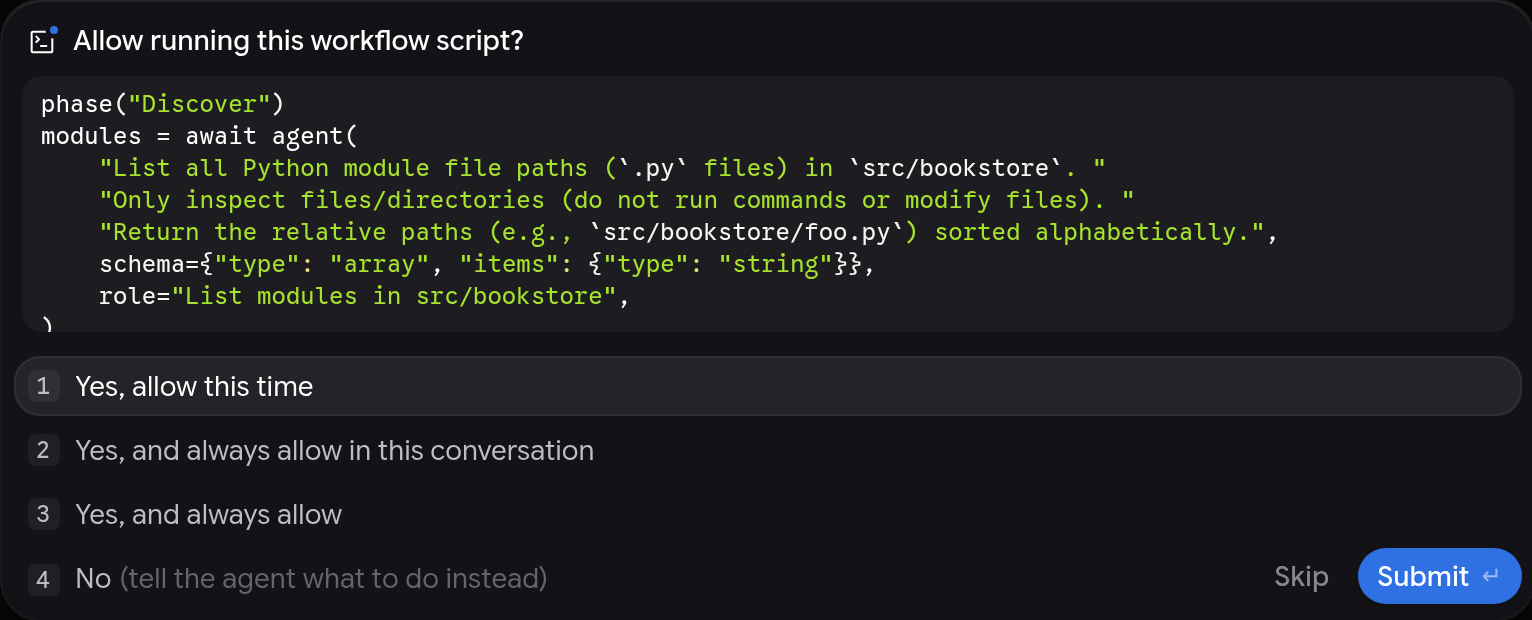
Read the next clause in the same documentation just as carefully. Approval is skipped if your permission preset already allows the run, and the documentation names Turbo as an example. Each agent the workflow starts also follows your permission preset and asks for approval in its own conversation, where it waits until you answer. So the review gate is real, and it is also a setting. A user running a permissive preset gets the speed of scripted orchestration without the pause that makes the script worth reading.
What the script cannot see, and what one failure does
Workflow agents are full agents with their own conversations. They do not see the orchestration script and they do not see each other, so other agents' conversation context is not automatically shared; required information must be supplied explicitly in each agent's prompt, with a short, well-defined result asked for, as Google's documentation puts it.
Results come back through a finish tool that checks each value against the agent's JSON Schema, so the script receives the structured result submitted through finish, rather than automatically receiving the full conversation. Schema validation establishes structure, not correctness.
The failure rule is the sharpest line in the documentation. parallel() returns results in item order, and if one item fails, the others are canceled. For jobs that must tolerate individual failures, test the failure handling before a wide fan-out. Smaller batches may limit interrupted work; sequential execution may suit dependent steps, such as items that share files or a test suite.
Picking the model is the cost control
The documentation gives each agent a model choice. The default inherits your conversation's model. You can ask for flash_lite or flash for fast, high-volume checks, or pro for deeper reasoning, and an agent asked for a tier you cannot use fails with the list of valid choices. Workspace handling is similarly explicit: branch gives each parallel agent its own isolated Git worktree, and share gives each a new working copy over shared repository storage.
On cost, Google's documentation states no separate price for Dynamic Workflows and no fan-out cap; availability is specified as Google AI Pro and Google AI Ultra. AlphaSignal reports that use consumes the plan's existing model credits and that high-fan-out workflows can trigger many model calls. Until Google states the accounting in its own pages, treat the credit burn of a wide parallel() call as the likely price. Model tier, number of agents and task scope are practical variables to evaluate; the reviewed Google documentation does not quantify their charges.
Where it sits among Antigravity's other ways to split work
Google now offers several coordination patterns in the same product, and its own comparison separates them by how the agents communicate. Use /swarm when agents need to coordinate with each other while they work, agreeing interfaces or reviewing each other's changes on a shared message board. Use a plain subagent for one self-contained delegated task. Use Dynamic Workflows when the shape is known in advance: the same check across a list of files or packages, staged steps in sequence, or a reviewer-and-fixer loop where agents return structured results to a script instead of talking to each other.
Scripted workflows suit predefined control flow; /swarm suits agents that need direct coordination. If your job needs negotiation, a script cannot supply it. If your job is the same operation repeated over a list, scripted control flow is the feature built for it.
Sources
- [1] Google Antigravity documentation, "Dynamic Workflows (/run-workflow)"Read source
- [2] Google Antigravity changelog, Antigravity App v2.32.0 entry dated November 13, 2026Read source
- [3] AlphaSignal, "Google Antigravity Ships Dynamic Workflows to Run Parallel AI Coding Agents" (November 13, 2026)Read source